Complete 360 Degree Feedback
Options Features Samples Clients Articles FAQ Contact
360 Degree Feedback Software
360 Degree Feedback - Administration


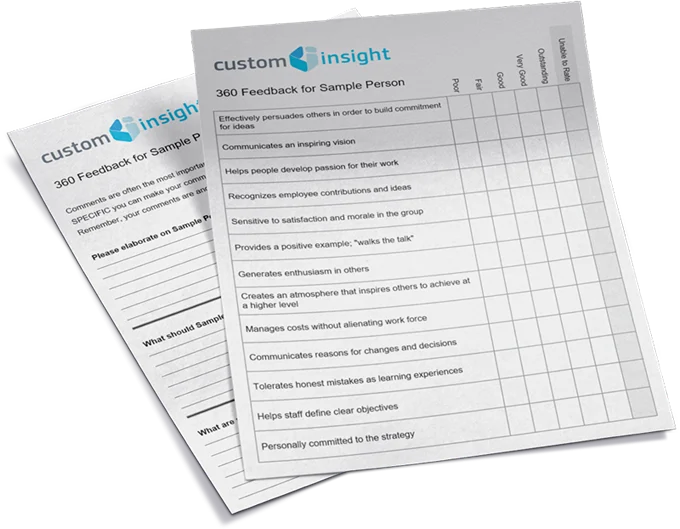
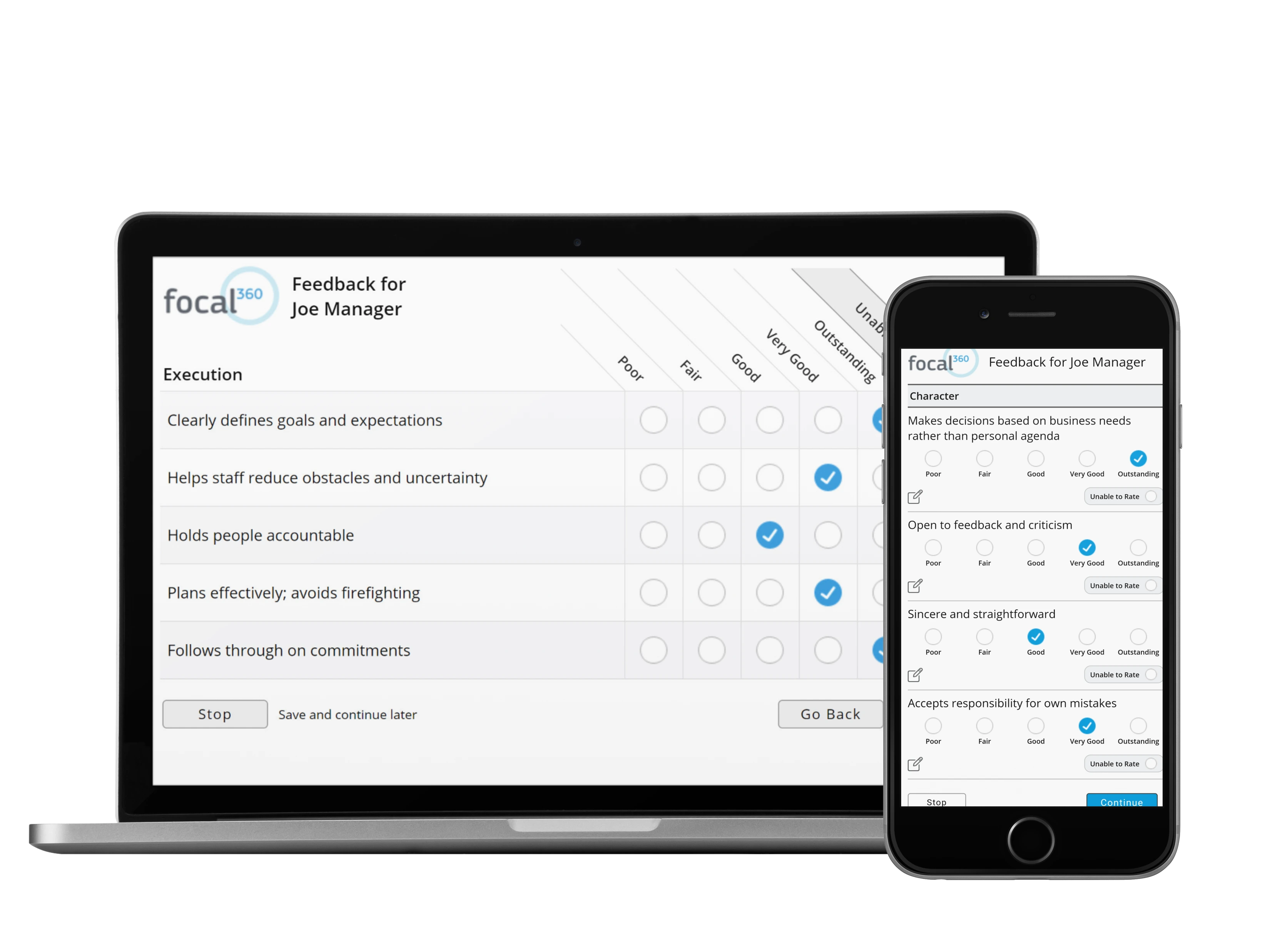
Define Survey Content

Add Participants

Monitor Progress

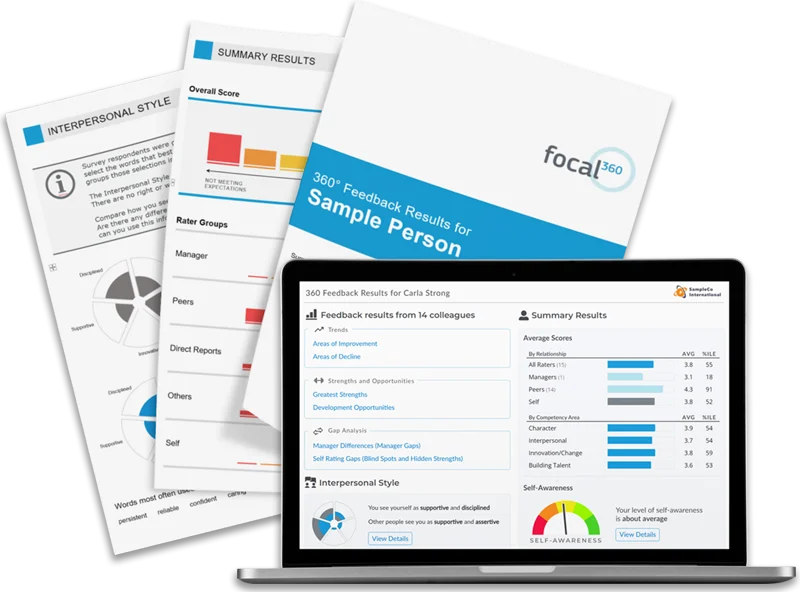
Generate Reports


To initiate a 360 evaluation for a single participant, just type in the person's name and email address. You will also select a survey template and specify the feedback end date for each participant. That's it!

If you have several participants to add, you can also use the "bulk add" feature, which allows you to add several people at the same time.
Key Features:
 Customize settings for each participant
 Email messages are sent to participants
 and raters automatically
 Enable multiple languages as needed
previous next

360 Degree Feedback Surveys Employee Satisfaction Survey

info@CustomInsight.com       750 Arrowhead Dr.       Carson City, NV 89706        650-577-9604
Home  |  Contact  |  Company Info  |  Site Map


save this page