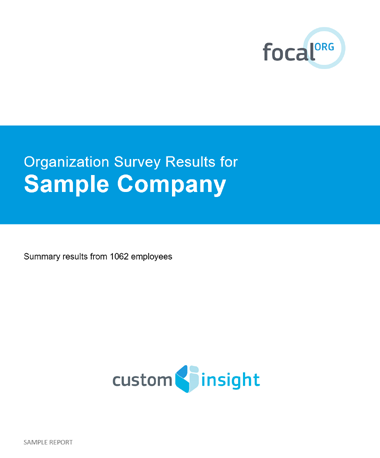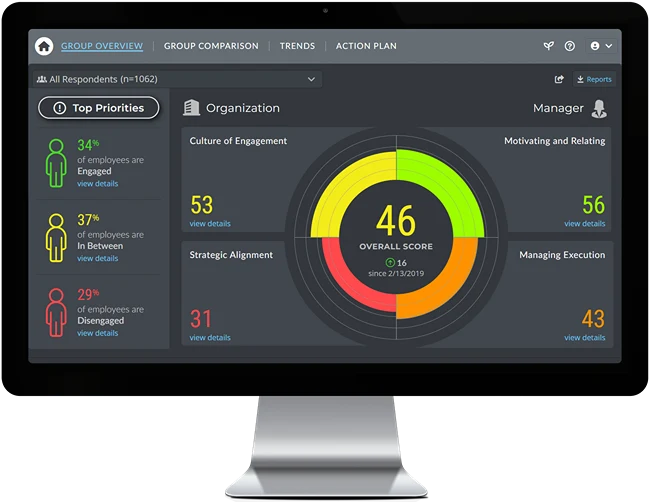
Two different types of reports are available with Focal EE Employee Surveys.
Interactive Dashboard: A powerful analytical tool that will allow you to explore and understand your survey results in greater depth and with greater ease than you ever thought possible.
Traditional Reports: Downloadable reports in a more tradtional format that enable you to dig deep into the data and compare results across your organization.
Key Report Features: Results are benchmarked against other organizations Focus on what matters most with "importance" data Generate reports on demand
If you'd like to receive additional info on these reports, please contact us.
Report Details:
The following reports are available in MS Word format so you can download them and make edits and adjustments as needed.
Standard Report - A comprehensive report based on all survey respondents or select any demographic subgroup. Start with this report to get an overview and general understanding of employee engagement across your entire organization as well as within key subgroups.
Breakout Report - Compares the responses from all demographic subgroups, providing a side-by-side view of the level of engagement and category scores for each group. Use this report to quickly see which parts of your organization have problems.
Comparison Report - Compares the responses from 2-4 demographic subgroups, providing a side-by-side view of the responses from each group. Use this report to probe deeper into the results in order to identify response gaps between different groups (e.g. functional areas, senior management vs. employees, etc.).